● Operate · /admin
The operator console
one place for settings, customers and money.
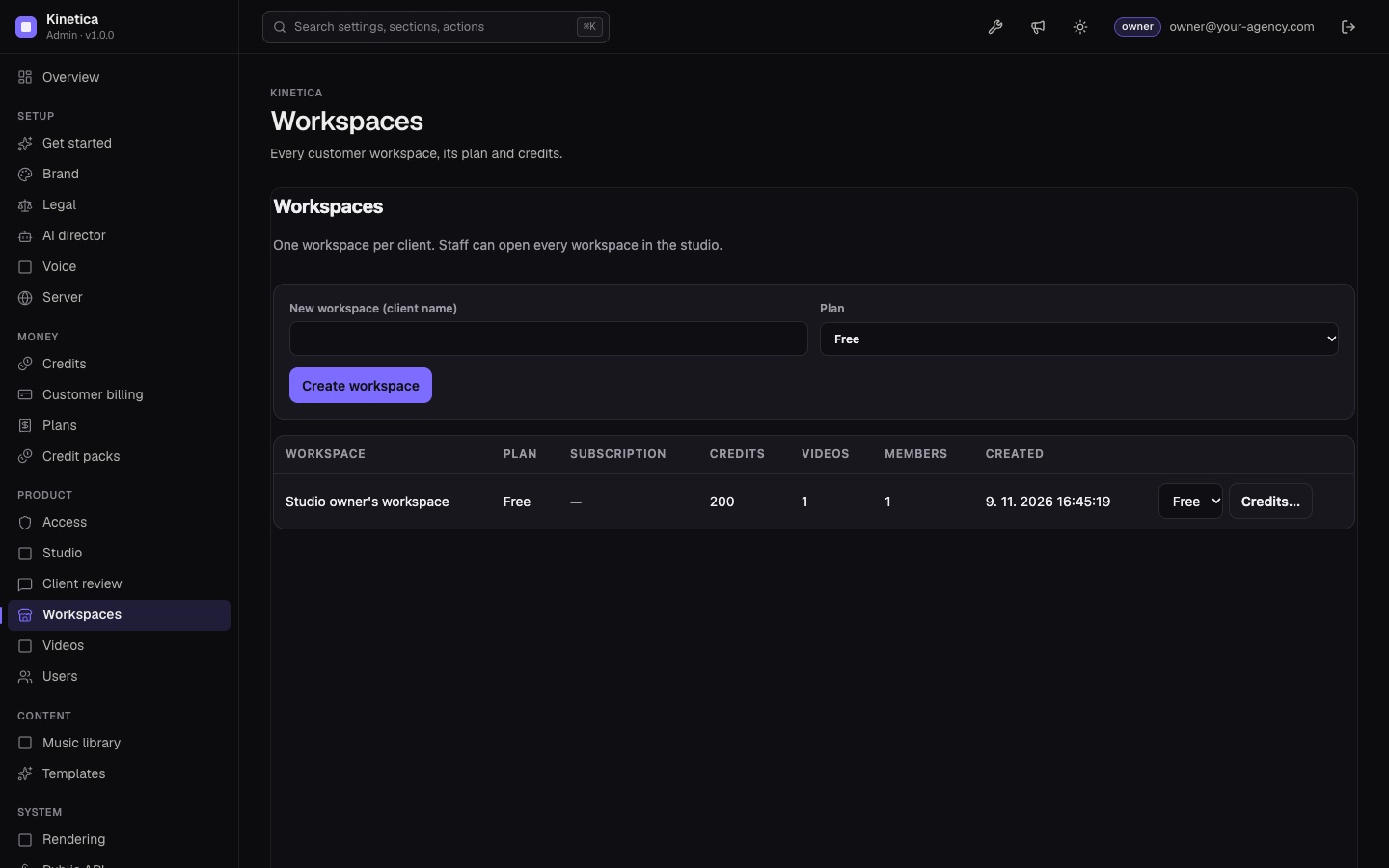
A tour of /admin, page by page, in the order of its sidebar. The console is the MIKODES Admin Kit (packages/admin-kit/) with Kinetica's own sections and pages declared in src/server/admin/manifest.ts. Every change is written to the audit log.
Owner, manager, viewerTwo-factorAudit log
01Overview and Get started
Overview shows the setup progress, the status checks and the figures of the period: workspaces, accounts, paying workspaces, videos, finished and failed renders, minutes of video rendered, AI calls, credits spent, and uploads and renders on disk. Get started collects the few fields Kinetica needs before it goes live (product name, accent colour, support e-mail, AI model, public URL, e-mail sender), each linked to its full section.
The search box at the top (⌘/Ctrl+K) finds any setting, section or action.
Status checks (checks in the manifest):
| Check | Severity |
|---|
| Chrome and ffmpeg are installed | Blocker |
| Public URL is https | Blocker |
| Anthropic key is set | Warning |
| ElevenLabs key is set | Warning |
| Stripe keys are complete | Warning |
| E-mail can be sent | Warning |
| Plans are consistent | Warning |